
A theme decides what the website looks like and which pages it has. Your documents stay the same: switch "theme" in repo.json, rebuild with --force, and the same files become a different site.
The bundled themes
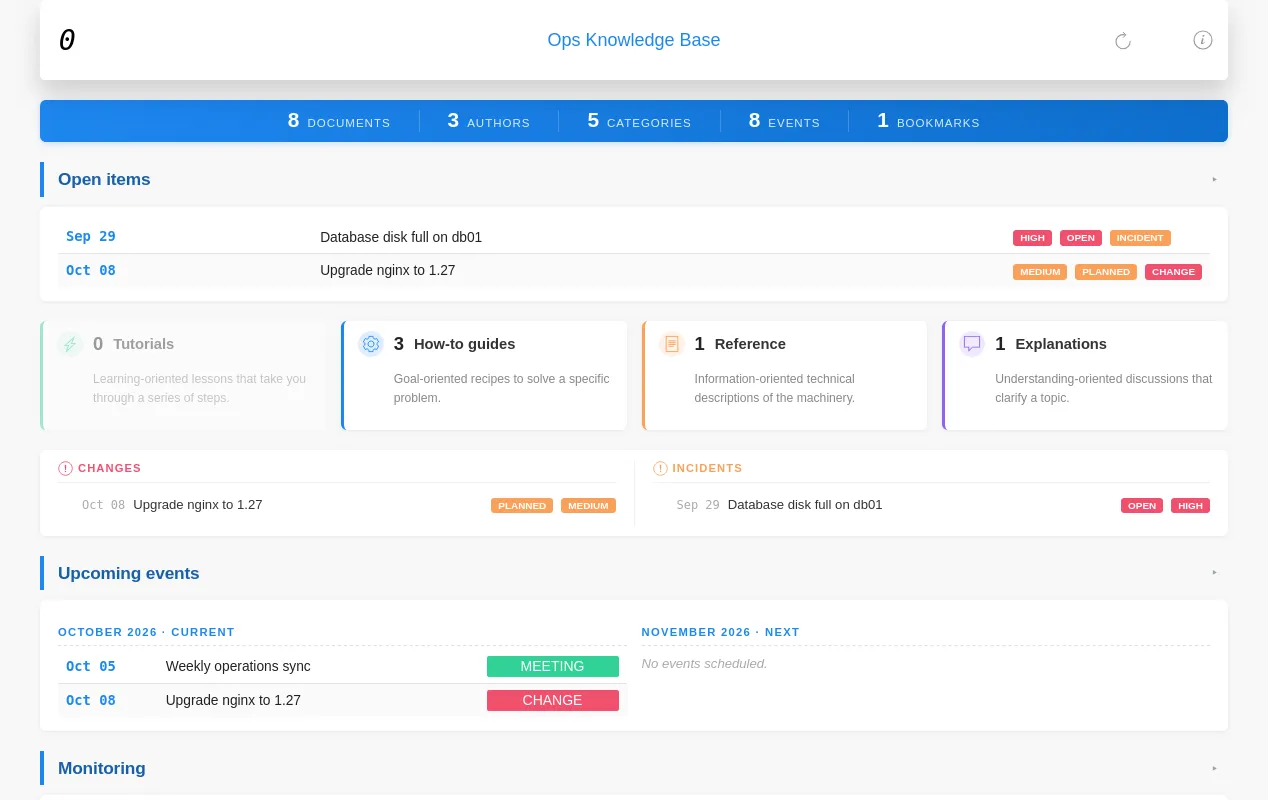
Team knowledge bases: runbooks, incidents, changes and meeting notes.
A dashboard with open items, an event calendar, monitoring, statistics and backups.
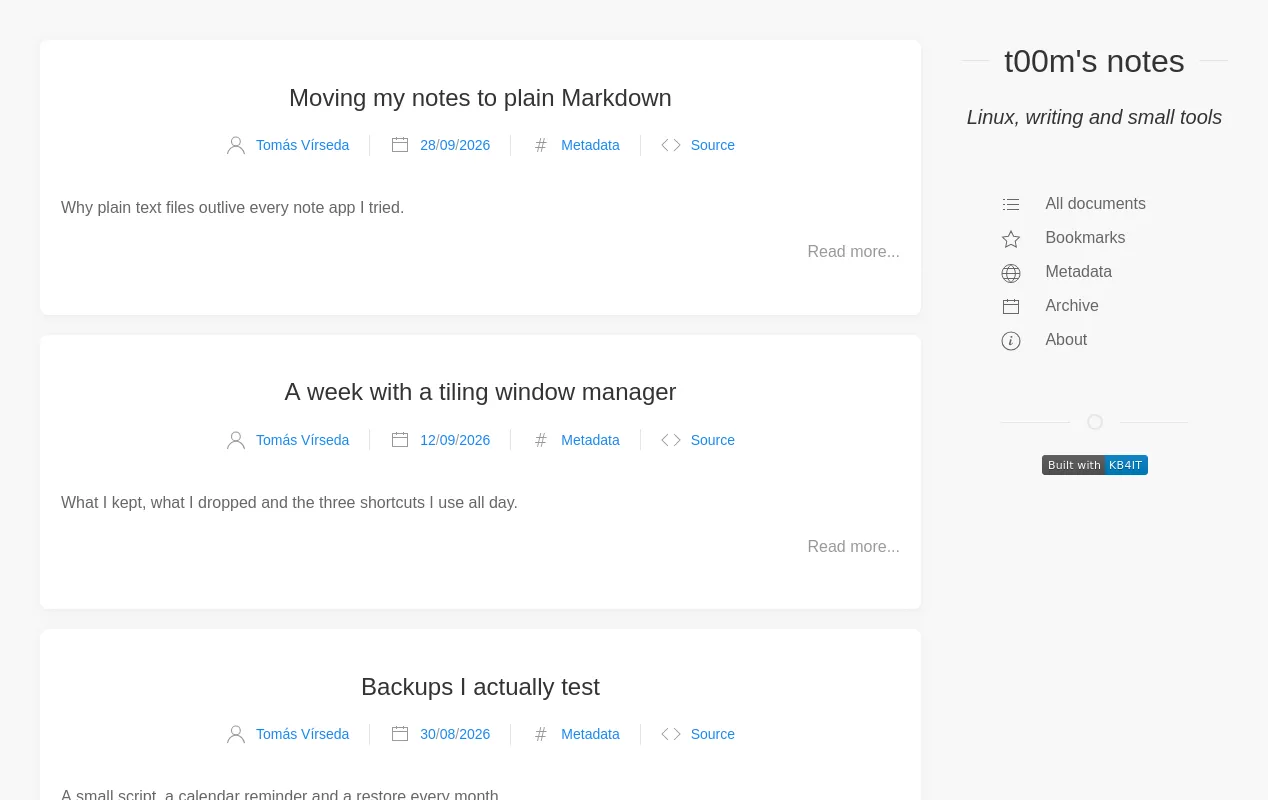
A personal or team blog.
Posts with excerpts, an archive by date and a tag cloud.
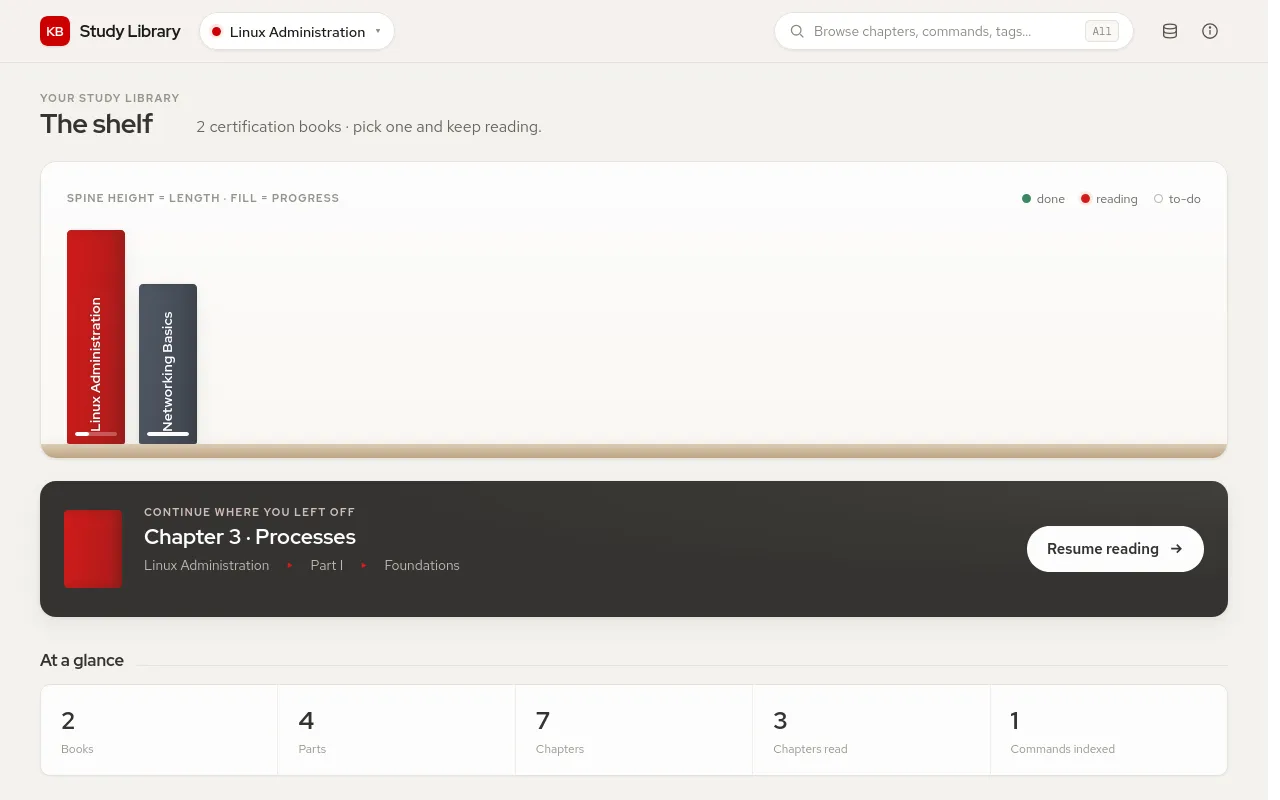
Study notes organised as books, parts and chapters.
A shelf with reading progress, book overviews and chapter navigation.
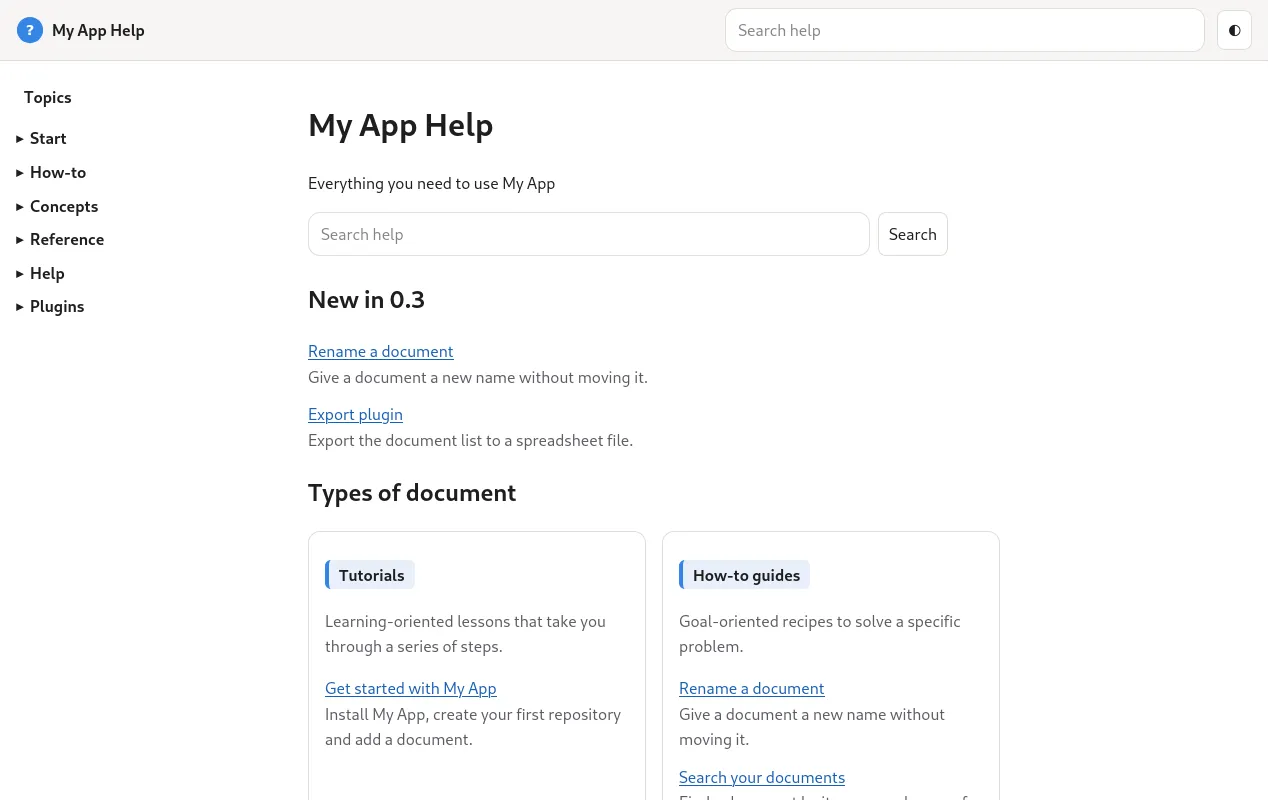
The help of an application, like this site.
Sections, a search that works offline and help ids for the application.
Sample apps
A theme can ship sample knowledge bases, called apps. kb4it create copies one to start you off:
kb4it apps techdoc                      # lists default and sapbasis
kb4it create techdoc sapbasis ~/sapkb   # starts from the sapbasis app
Without an app name you get default.
Where themes come from
When you build, KB4IT looks for the theme named in repo.json in this order and uses the first it finds:
source/resources/themes/<name>/inside the knowledge base, so a site can carry its own theme.~/.kb4it/opt/resources/themes/<name>/, for themes you install for yourself.- The themes that come with KB4IT.
"theme_path" in repo.json skips the search and names the theme folder directly.
Themes and KB4IT versions
Each theme says which KB4IT it needs, in the kb4it field of its theme.json, for example ">=0.7.9". A theme that needs a newer KB4IT is refused with THEME_REQUIREMENT_UNMET, so you learn it before the build, not halfway through.
Want something different? Create your own theme.